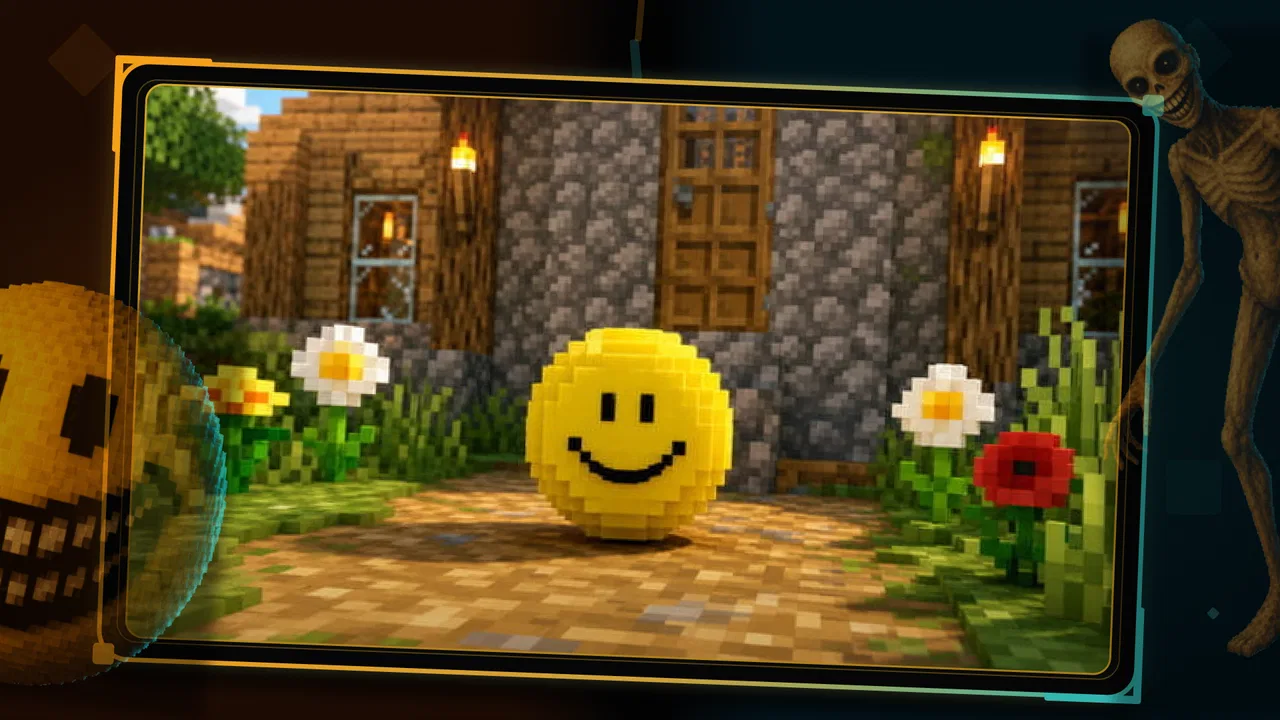
Verity mod for Minecraft PE
- 4.6
- Rating
- 100.00K
- Installs
- Free
- Price

 Analysis by App-foxy
Verity is the kind of entertainment app that immediately appeals to Minecraft PE players who want a darker change of pace. Instead of spending another evening with familiar building ideas, I used it as a doorway into scary mod content built around Minecraft PE and MCPE. The experience is focused, simple to understand, and clearly aimed at people who enjoy discovering horror-themed additions rather than managing a full standalone horror game.
What makes it interesting is the way it fits into an existing Minecraft routine. I can imagine opening it before a multiplayer session, browsing for something that changes the mood, and then deciding whether a particular idea is worth trying in the game I already know. That makes Verity more of a discovery and preparation tool than a replacement for Minecraft itself. Its value depends on how much you enjoy experimenting with horror content around Minecraft.
The app comes from Ignitus Probida and is available free of charge, with an Everyone age rating. It has reached over one hundred thousand installs and holds a 4.6 average from around five hundred ratings, which suggests that the concept has found a receptive audience. I would still treat those figures as a sign of interest rather than a guarantee that every mod or recommendation will suit my taste.
You May Also Like

 Blood Strike: 2.5 Anniversary
Blood Strike’s Loadouts Turn Every Drop Into a Tactical Gamble
A close look at Blood Strike’s custom loadouts: how fast access to signature weapons reshapes its battle royale rhythm, rewards preparation, and narrows the gap between fights.

 Pandora - Music & Podcasts
Pandora’s Music Is Easy to Start, but Harder to Recover
Pandora’s strength is its low-effort path from a seed to a station. Its weak spot is how much confidence it asks you to place in connection, setup, and quiet recovery.

 8 Ball Pool
8 Ball Pool Is Built on Rivalries, Rematches, and Routine
A close look at the rivalries, rematches, shared routines, and unanswered safety questions that turn a quick pool match into a persistent mobile community.

 Samsung Music
Samsung Music’s Quiet Strength Is Playing What You Already Own
Its reach comes less from spectacle than from dependable access to a personal library. That simplicity is both the app’s strongest retention engine and its ceiling.

 AccuWeather: Weather Radar
AccuWeather Review: A Quick, Clear Forecast for Everyday Decisions
For everyday plans, the best forecast is the one you can understand quickly. AccuWeather makes rain timing, radar, and local conditions easy to act on, with a few trade-offs.

 Hill Climb Racing
Why Hill Climb Racing Still Turns Crashes Into One More Run
A tiny car, a bumpy hill and one more upgrade: Hill Climb Racing keeps resurfacing because its simple chaos makes every near-miss feel personal.
More From Our News Desk



How Verity fits into a connected Minecraft routine
I find a connected routine works best when Verity is only the first stop: I can explore horror ideas, decide what suits the next Minecraft session, and then carry that choice into the game rather than browsing aimlessly while friends wait. That handoff is also where a little planning pays off, especially when I want to protect an established world or keep a group’s expectations aligned.
Discovery is the main reason to open it
My first impression is that Verity works best when I approach it with a specific goal. If I simply want something entertaining to browse, it can provide a horror-focused path through Minecraft content. If I already know that I want a more unsettling world, creature, or atmosphere, the app becomes more useful because I can judge ideas against the kind of experience I want to create.
That distinction matters. A general Minecraft mod source may offer a much wider range of themes, while Verity narrows the focus to scary material. The narrower identity is both its strength and its limitation. I do not have to sift through unrelated building, decoration, or utility ideas to find a darker direction, but I also should not install it expecting a complete catalog for every Minecraft play style.
The app’s store summary presents it as a way to meet Verity and explore scary horror mods for Minecraft PE and MCPE. In practice, I read that as an invitation to explore a theme, not as a promise that the app itself is a horror adventure with its own campaign. That expectation keeps the experience clear: the entertainment comes from choosing and using horror-oriented Minecraft content, then seeing how it affects the way I play.
Why connectivity shapes the experience
Because this is a mod-discovery experience, network access can become an important part of the journey whenever content needs to be browsed, loaded, or otherwise reached through the app. I found it more sensible to explore when I had a stable connection rather than treating it like a game that I could casually start anywhere without preparation.
This affects the best time to use it. At home, I would browse through several possibilities, read the available descriptions carefully, and decide what fits my current world or a new test world. On a mobile connection, I would be more selective. I would avoid repeatedly opening and closing content just to compare it, especially if I was trying to conserve data or had a weak signal.
A useful habit is to separate discovery from play. I can investigate the horror options when I have reliable connectivity, make a short list of the ones that interest me, and only then move to Minecraft. That reduces the chance of beginning a session without knowing what I want to try. It also makes Verity feel less like a random scrolling stop and more like a small planning tool for a themed play session.
Using it during ordinary mobile moments
Verity makes the most sense in short mobile contexts where I have enough time to explore but not necessarily enough time for a long Minecraft session. A realistic example would be sitting on a train with a dependable connection. I could use that time to look through horror ideas, decide whether one fits a solo world, and save the decision mentally for later. When I reach home, I would already have a plan instead of spending the first part of my gaming time searching.
Another situation is preparing for a weekend session with friends. I could browse for a horror direction that everyone understands before anyone enters the world. That small step can prevent a common problem with themed play: one person expects a tense survival experience while another expects a light novelty. Verity is useful here as a conversation starter, although the actual group enjoyment will still depend on how the chosen content behaves inside Minecraft PE.
I would be less enthusiastic about using it in a rushed moment with an unreliable signal. If the app becomes part of a last-minute decision, interruptions can make the process feel more frustrating than entertaining. The better workflow is to browse early, choose deliberately, and leave the Minecraft session for a time when the connection and device situation are comfortable.
What to check before committing to a horror idea
One of the less obvious lessons with a focused mod app is that theme alone is not enough. “Scary” can mean atmosphere, surprise, hostile encounters, or simply a darker presentation. Before I commit to an option, I would think about the kind of fear I actually want. A tense solo session may benefit from something that changes the mood gradually, while a group may prefer a more immediate novelty that produces reactions quickly.
I would also consider the world I plan to use. Testing unfamiliar horror content in a separate world is a sensible precaution, particularly when I care about an existing build or survival progress. This is not a criticism of Verity specifically; it is a practical Minecraft habit. A discovery app encourages experimentation, and experimentation is safer when the test environment is separate from the world I value most.
Another useful approach is to start with one change at a time. If I combine several horror additions immediately, I may not know which one created a problem, changed the balance, or simply failed to match my expectations. Trying a single idea first gives me a clearer impression and makes recovery easier if the result is disappointing.
When something goes wrong
The most important friction point is the distance between discovering content in Verity and enjoying it inside Minecraft PE. The app can help me find a direction, but the result still depends on the Minecraft setup, the device, and the way the chosen content fits the version or world I am using. I would not assume that every discovery will become a smooth, instant addition to an existing session.
If a test does not work as expected, I would avoid repeatedly tapping through the same process without changing anything. First, I would stop and identify where the problem occurred: while browsing, while obtaining the content, or after moving into Minecraft. Then I would return to the simplest setup, test with a fresh world if appropriate, and introduce only one change at a time. This is much more reliable than layering several unknowns together.
Recovery is also easier when I prepare before experimenting. Keeping important worlds separate, remembering which option I tried, and avoiding unnecessary changes to a favorite save can turn a frustrating failure into a manageable detour. Verity encourages curiosity, but curiosity works best with a little discipline. The app is most enjoyable when I treat each horror discovery as a controlled trial rather than an automatic upgrade to every world.
Connectivity can complicate recovery as well. If the network is unstable, I may not know whether a failed step came from the content itself or from an interrupted session. In that situation, waiting for a reliable connection before trying again is more useful than assuming the mod is unusable. This is one reason I would not judge the app from a single unsuccessful attempt made under poor conditions.
Being careful with mobile data and spending
For data-conscious users, the practical rule is simple: browse with intention. I would avoid refreshing content repeatedly, opening every possibility just because it appears interesting, or using a mobile connection for a long exploratory session when Wi-Fi is available. A short list of likely choices is more efficient than treating the app as an endless feed.
The free entry price makes it easy to try, but the app also lists in-app purchases reaching $43.99 per item. That is a meaningful detail for families and anyone who assumes that “free” means every part of the experience carries no cost. I would check the purchase screen carefully before confirming anything and keep the app’s spending context in mind when letting younger players explore it.
The Everyone rating makes Verity broadly approachable from an age-label perspective, but the horror theme still deserves personal judgment. Some children may be comfortable with spooky Minecraft material, while others may find the same ideas unpleasant. Parents should consider the individual player’s sensitivity rather than relying only on the age category. The label describes suitability in a broad way; it does not predict how every user will react to scary content.
Data awareness also means planning the transition into Minecraft. If I have already made my choices while connected to Wi-Fi, I can reduce unnecessary browsing later. I would not assume that every part of the workflow behaves the same way without a connection, so I prefer to complete important discovery steps before leaving a reliable network. That approach avoids making claims about offline behavior while still giving me a practical routine.
How it compares with broader alternatives
Compared with searching the wider Minecraft community manually, Verity offers a more focused starting point. I do not need to begin with a general search and filter out unrelated material before reaching horror concepts. That focus is especially helpful for someone who knows the mood they want but does not know the names of suitable additions.
On the other hand, a broader alternative may be better for experienced players who want detailed technical information, extensive compatibility discussion, or a large range of categories beyond horror. Verity is not the choice I would make if my priority were to compare every possible Minecraft modification across many themes. Its appeal comes from reducing the search space, not from replacing every other discovery method.
It also differs from playing a dedicated horror game. A standalone horror title usually controls the pacing, presentation, and progression more tightly. Verity points me toward horror possibilities within Minecraft, where the familiar sandbox can soften or intensify the mood depending on how I play. That flexibility is attractive if I want to build, survive, and experiment in a world I already understand. It is less suitable if I want a polished, guided scare with no setup decisions.
Who will get the most from it
I would recommend Verity to Minecraft PE players who enjoy themed experimentation and want a quicker route toward scary content. It is a good fit for someone who likes preparing a special session, testing a new idea in a separate world, and discussing the result with friends. The focused identity also helps younger or less experienced players who may find a huge general catalog overwhelming, provided an adult is comfortable with the horror theme and purchase options.
It is less convincing for players who rarely use mods, want a completely offline-first experience, or expect the app itself to deliver a finished horror game. It may also disappoint someone searching for a broad Minecraft resource covering every gameplay style. In those cases, a general-purpose discovery source or a standalone horror game could be a better match.
My own recommendation is to use it as a companion to Minecraft rather than as a destination. Browse with a stable connection, choose one horror direction, test it away from an important world, and pay attention to any purchase prompt. That workflow gives the app a clear purpose and avoids the most common expectation problems.
A measured verdict on the connected experience
Verity succeeds because it gives horror-minded Minecraft PE players a focused place to begin. The concept is easy to understand, the free starting point lowers the barrier to trying it, and the strong average rating shows that many users have responded positively. The current version is 1.0.7, and the app’s identity remains refreshingly specific: it is about finding a darker Minecraft direction rather than trying to be everything at once.
Its main weakness is that the experience does not end when I choose something in the app. I still have to manage the move into Minecraft, think about world safety, deal with possible connection interruptions, and decide whether any optional purchase is worthwhile. Those steps are not necessarily deal-breakers, but they mean Verity rewards a prepared user more than an impatient one.
After using it, I see the app as a useful horror-content scout for Minecraft PE and MCPE. I would keep it in mind for planned solo experiments, themed group sessions, and quick browsing during a reliable network window. I would skip it if I wanted a self-contained horror adventure or a broad catalog unrelated to scary content. For players who enjoy shaping their own Minecraft scares, Verity is worth trying—but the best results come from careful testing, sensible data use, and realistic expectations about what a mod-discovery app can do.
FAQs for Verity mod for Minecraft PE
01What is Verity mod for Minecraft PE?
Verity mod for Minecraft PE is a community-made modification intended to add new content or alter gameplay in Minecraft Bedrock Edition on mobile devices. Its exact features may vary depending on the version and source distributing it, so you should read the included description carefully. It is not an official Mojang or Microsoft product, and compatibility can change after Minecraft updates.
02Is Verity mod for Minecraft PE safe to download and install?
Safety depends heavily on where you obtain the file. Download only from a reputable, well-known source, scan APK or archive files with mobile security software, and avoid installers that request unnecessary permissions or ask for personal information. Before testing the mod, create a backup of your worlds. Unofficial modifications can contain unwanted software, misleading download buttons, or files that stop working after an update.
03Does Verity mod work on both Android and iPhone or iPad?
Verity mod may not work identically across Android and iOS. Android commonly supports externally imported Minecraft Bedrock add-ons more directly, while iOS has stricter file-management and app-security limitations. Compatibility also depends on the Minecraft version, the mod format, and whether the package is an add-on, resource pack, or separate application. Check the developer’s requirements before downloading.
04Can I use Verity mod in multiplayer Minecraft worlds?
Multiplayer support is not guaranteed and depends on how Verity modifies the game. Some add-ons work only when every participating player has the required files, while others may cause missing textures, errors, or problems when joining a Realm or server. It is best to test the mod in a copied world first and confirm that all players use compatible versions. Never use modifications that violate a server’s rules.
05Will installing Verity mod affect my existing Minecraft worlds or account?
A properly installed add-on should not normally delete your worlds or change your Microsoft account, but unofficial files can still cause crashes, corrupted saves, or unexpected gameplay changes. Back up important worlds before installation, preferably by exporting or copying them to a separate location. Remove the mod if Minecraft becomes unstable, and remember that achievements, marketplace content, and online features may behave differently with modified gameplay.
Pros
- Adds new creatures
- items
- and challenges to Minecraft PE.
- Expands survival gameplay with fresh exploration opportunities.
- Offers extra content for players familiar with vanilla Minecraft.
- Can make multiplayer sessions more varied and unpredictable.
- Mod installation may be simple with compatible mobile versions.
Cons
- Compatibility can vary between Minecraft PE versions and devices.
- Some features may require additional resource or behavior packs.
- New content can affect performance on older smartphones.
- Mod updates may lag behind official Minecraft releases.
- Unofficial downloads can carry security or privacy risks.

Verity mod for Minecraft PE
Gallery